
Key facts
- Brand
- Brother
- Model
- MFC-440CN
- Documents
- 3
- Languages
- EN · ZH
- Last added
- 2012-03-16
Start here
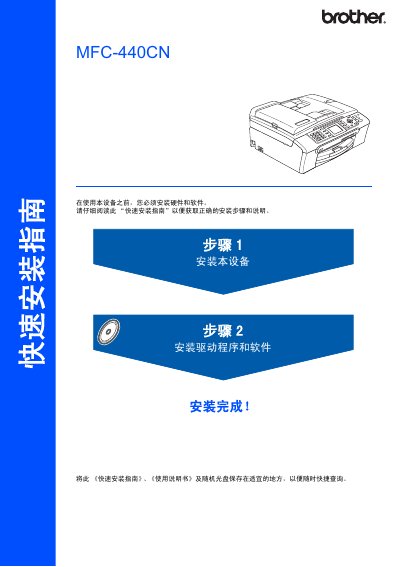
Brother MFC-440CN Quick Installation Service Manual
The manual walks you through the hardware setup, including connecting the USB 2.0 and Ethernet interfaces, and installing the required software drivers for Windows and Mac OS X. It also covers safety warnings and proper handling of consumables.
Additional sections explain how to configure the device with BRAdmin tools, replace ink cartridges, and reference trademark and copyright information included at the end of the document. This manual is written in Chinese.
Brother MFC-440CN specifications
| Memory capacity | 32 MB |
|---|---|
| ADF capacity | Up to 10 pages |
| Supported paper weight | 80 g/m² (20 lb) |
| LCD size (MFC-440CN) | 50.8 mm (2.0 in) |
All Brother MFC-440CN documents by type
Day-to-day operation, settings and troubleshooting. Start here if the product is already set up.
The shortest path to a working setup, usually only a few pages.
Questions answered in these manuals
Can the machine be used on public telephone lines in a country other than where it was purchased?
Brother advises that the product may not function correctly and does not offer warranty when used on public telecommunication lines in another country.
What type of fax transmission does the MFC‑665CW support?
The manual lists colour fax transmission as a supported feature.
How do I replace the ink cartridges?
Refer to the maintenance section on page 127 titled “更换墨盒”.
How can I set the fax sending lock on the MFC-440CN?
Use the “发送锁定” setting and change its password as described on page 26.
What is the maximum length for the USB 2.0 cable?
The USB 2.0 cable must not exceed 2 meters (6 feet).