
Key facts
- Brand
- Brother
- Model
- FAX-1360
- Category
- Fax machine
- Industry
- Computers
- Documents
- 3
- Languages
- EN · ZH
- Last added
- 2012-07-02
Start here
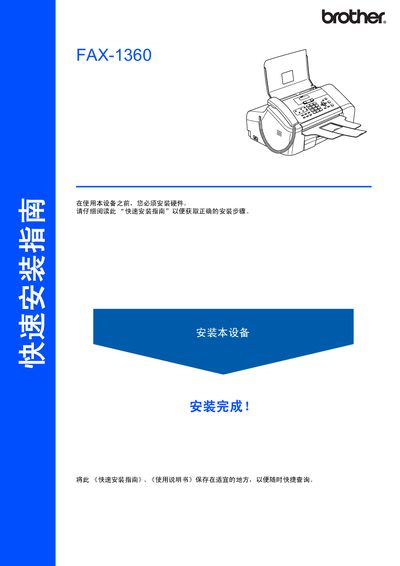
Brother FAX-1360 Quick Installation Guide
The guide provides step‑by‑step instructions for installing the Brother FAX‑1360, including unpacking, loading paper, and configuring basic settings. Safety symbols and warnings are highlighted to prevent improper installation and possible injury.
Key sections cover connecting the telephone line and power cord, adjusting paper guides, installing the ink cartridge, and using the control panel keys. The document also includes trademark information and notes on product specifications. This manual is written in Chinese.
Brother FAX-1360 specifications
| Product Type | Fax Machine |
|---|---|
| Language | Chinese |
| Model | FAX-1360 |
| Warranty | No warranty outside original country of purchase |
All Brother FAX-1360 documents by type
Day-to-day operation, settings and troubleshooting. Start here if the product is already set up.
The shortest path to a working setup, usually only a few pages.
Questions answered in these manuals
What is the warranty period for the machine?
The warranty covers machines for one year from the original purchase date.
How many pages can a standard black ink cartridge print?
A standard black ink cartridge prints approximately 500 pages.
How do I connect the telephone line?
Insert one end of the telephone line into the LINE jack on the device and the other end into the wall telephone socket.
How do I install the ink cartridge?
Open the ink cartridge cover, remove the yellow protective cover, press the lock release levers, and insert the cartridge.
What is the recommended ink for this fax machine?
Use Brother original ink cartridges for best results. Using other brands may cause damage and void warranty.
Can this fax machine be used outside its original country?
It may not operate properly and is not guaranteed to work outside the original country of purchase.