
Key facts
Start here
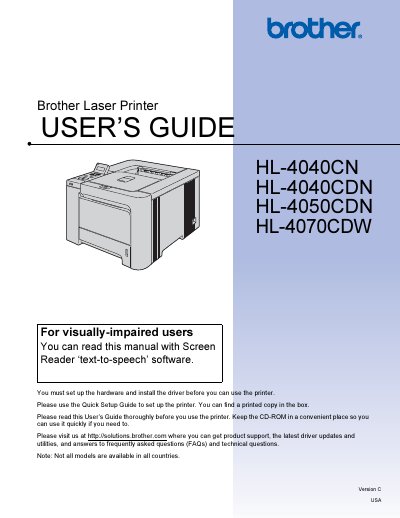
Brother HL-4040CN/HL-4040CDN/HL-4050CDN/HL-4070CDW User Manual
This user guide covers everything needed to install, configure, and safely operate the Brother HL series laser printers. It includes safety warnings, hardware setup steps, driver installation, and detailed instructions for printing, duplex, and specialty media.
The manual also describes control‑panel functions, optional accessories, routine maintenance procedures such as replacing toner, drum, and belt units, and troubleshooting tips for common issues. Appendices provide full specifications, regulatory information, and regional compliance details.
Brother HL-4040CN specifications
| Weight | 64.2 lb (29.1 kg) |
|---|---|
| Fusing Unit Voltage | 230 V |
| Input Voltage (for 220‑240 V models) | 220 V – 240 V |
Source: Brother HL-4040CN / HL-4050CDN Laser Printer User Manual
All Brother HL-4040CN documents by type
Day-to-day operation, settings and troubleshooting. Start here if the product is already set up.
Disassembly, diagnostics and part numbers, for repair.
Questions answered in these manuals
How should I clean residual toner from the printer?
Use a non‑woven cloth to gently remove residual toner; do not use a vacuum cleaner or flammable cleaning agents.
From: Brother HL-4040CN / HL-4050CDN Laser Printer User Manual
What should I do if the printer becomes hot, smokes, or smells burnt?
Immediately turn off the power switch and unplug the printer, then contact Brother service.
From: Brother HL-4040CN / HL-4050CDN Laser Printer User Manual
What should I do before cleaning inside the printer?
Turn off the power switch and unplug the printer from the AC power outlet.
From: Brother HL-4040CN/HL-4040CDN/HL-4050CDN/HL-4070CDW User Manual
How many people should lift the printer?
Use at least two people to move or lift the printer safely.
From: Brother HL-4040CN/HL-4040CDN/HL-4050CDN/HL-4070CDW User Manual