
Key facts
Start here
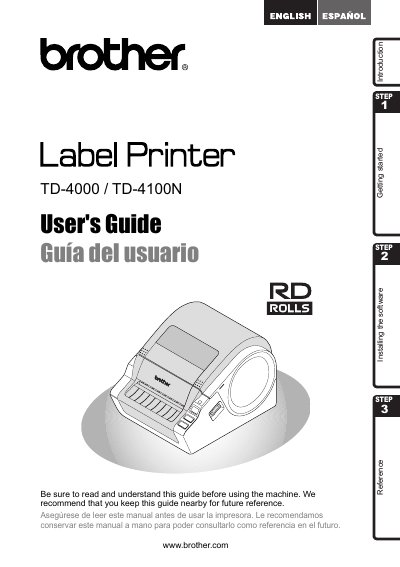
Brother TD-4000/TD-4100N Label Printer User's Guide
This document serves as a quick start guide for the Brother TD-4000/TD-4100N label printer. It outlines the initial steps to begin using the device and directs users to the full User's Guide for detailed information. The guide also includes a Federal Communications Commission (FCC) Declaration of Conformity and a One Year Limited Warranty for products purchased in the United States.
Read onlineBrother 4100N specifications
| Print speed | 110 mm/s (USB) |
|---|---|
| Print resolution | 300 dpi (1296 dots) |
| Maximum print width | 98.6 mm |
| Minimum print length | 25.4 mm |
| Power supply | 220 V 50 Hz 1.1 A AC |
| Dimensions (W×D×H) | 173 mm × 229 mm × 158 mm |
| Weight (TD‑4000) | ≈1.81 kg |
| Weight (TD‑4100N) | ≈1.83 kg |
| Memory for data storage | 2048 KB |
| Interfaces | USB, RS‑232C serial, 10/100BASE‑TX Ethernet |
| Operating temperature | 10 °C – 35 °C |
| Operating humidity | 20 % – 80 % (non‑condensing) |
All Brother 4100N documents by type
Day-to-day operation, settings and troubleshooting. Start here if the product is already set up.
Questions answered in these manuals
Why does the printer print intermittently over USB and how can I fix it?
Set the print mode to buffer printing in Windows (Control Panel → Printer and Devices → Printer Properties → General → Print Preferences → select “Print after receiving one page”).
What type of label ribbon should be used with the TD‑4000/TD‑4100N?
Only Brother original heat‑sensitive ribbons are recommended for optimal performance.
What is the purpose of this guide?
This guide describes how to create labels using the P-touch Editor software installed on a computer connected to the machine.
What happens if you ignore the information symbols in this guide?
Ignoring them may result in injury, damage, or failed operations.
Where can I find the full User's Guide?
The User's Guide can be found in the Manuals folder of the included CD-ROM.
What is the warranty period for the product?
The product and accompanying accessory items are covered by a one-year limited warranty from the original purchase date.