
Key facts
Start here
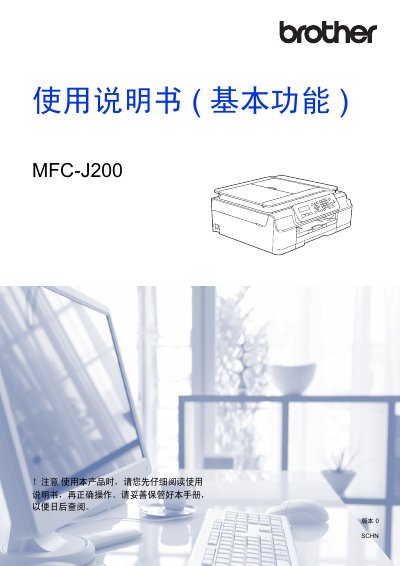
Brother MFC-J200 Multifunction Printer User Manual (Basic Functions)
This document serves as a user guide for the Brother MFC-J200 multifunction device. It details fundamental operations including sending and receiving faxes, making copies, scanning documents to a computer, and printing data from a PC. The manual also covers essential setup procedures such as loading paper and original documents. This manual is written in Chinese.
Read onlineBrother MFC-J200 specifications
| Printer Type | Inkjet Printer |
|---|---|
| Memory Capacity | 64 MB |
| LCD Display | 16 characters x 1 line |
| Power Supply | AC 220 ~ 240V 50/60Hz |
| Power Consumption (Ready) | Approx. 3.5W |
Source: Brother MFC-J200 Multifunction Printer User Manual (Basic Functions)
All Brother MFC-J200 documents by type
Day-to-day operation, settings and troubleshooting. Start here if the product is already set up.
Questions answered in these manuals
What is the maximum idle time before the device enters sleep mode?
The device can be set to enter sleep mode after a maximum of 60 minutes of inactivity.
From: Brother Printer DCP-J100, DCP-J105, and MFC-J200 Advanced Function User Manual
What should I do if the ink is running low?
The device will display a message on the liquid crystal display indicating that the ink level is low or needs replacement.
From: Brother MFC-J200 Multifunction Printer User Manual (Basic Functions)
What type of printer is the Brother MFC-J200?
The device is an inkjet printer.
From: Brother MFC-J200 Multifunction Printer User Manual (Basic Functions)