
Key facts
Start here
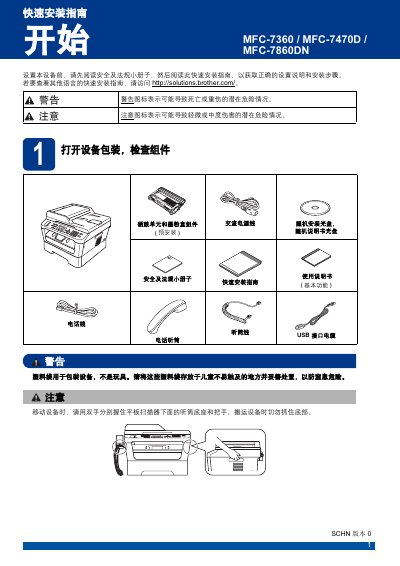
Brother MFC-7360 / MFC-7470D / MFC-7860DN Quick Start Guide
This guide walks you through unpacking the printer, checking the included components, and removing protective materials. It then explains how to install the handset, load paper, and connect power, telephone and network cables.
Further sections cover language selection, receive‑mode settings, date/time configuration, personal information entry, fax transmission reports, dialing mode, network management for the MFC‑7860DN, and instructions for replacing consumables such as toner cartridges. This manual is written in Chinese.
Brother MFC-7860DN specifications
| Supported paper sizes | A4, Letter, Executive, A5, A5 (long side), A6, B5, B6, 16K (195×270 mm), 16K (184×260 mm), 16K (197×273 mm) |
|---|---|
| Paper weight range | 70–90 g/m² |
| Standard tray capacity | Up to 250 sheets |
| Maximum paper thickness | 80–110 µm |
Source: Brother MFC-7360 / MFC-7470D / MFC-7860DN User Manual
All Brother MFC-7860DN documents by type
Day-to-day operation, settings and troubleshooting. Start here if the product is already set up.
The shortest path to a working setup, usually only a few pages.
Questions answered in these manuals
What is the default password for the Brother print server?
The default password for the Brother print server is 'access'.
From: Brother MFC-7860DN Multi-Protocol Embedded Multi-Function Ethernet Print Server User Manual
What is the default node name displayed in BRAdmin Light?
The default node name is 'BRN' followed by the device's MAC address.
From: Brother MFC-7860DN Multi-Protocol Embedded Multi-Function Ethernet Print Server User Manual