
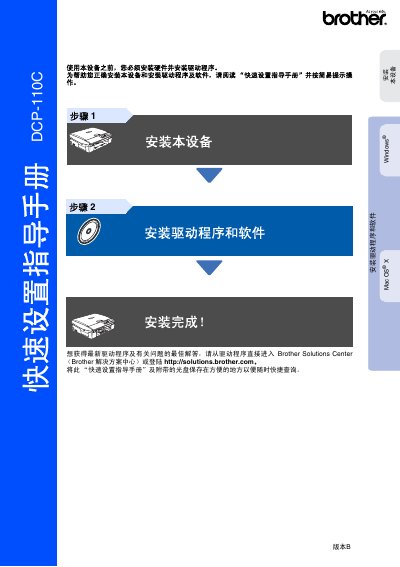
This manual guides users through setting up the Brother DCP‑110C multifunction printer, covering safety precautions, hardware assembly, and initial configuration.
It includes detailed steps for installing the power cord, loading paper, installing ink cartridges, connecting via USB, and installing drivers for Windows and Mac OS X. This manual is written in Chinese.
| Legacy Interface | USB 1.1 |
|---|---|
| Supported Windows OS | Windows 98/98SE/Me/2000 Professional |
| Supported Mac OS | Mac OS X 10.2.4 or later |
| Ink Cartridge Models | LC950BHK, LC950M, LC950Y, LC950C |
The printer works with Windows 98/98SE/Me/2000 Professional and Mac OS X 10.2.4 or later.
The manual lists warnings that must be followed to avoid personal injury and damage to the device.