
Key facts
- Brand
- Brother
- Model
- PT-110
- Category
- Office Equipment
- Documents
- 4
- Languages
- EN · JA
- Last added
- 2012-07-02
Start here
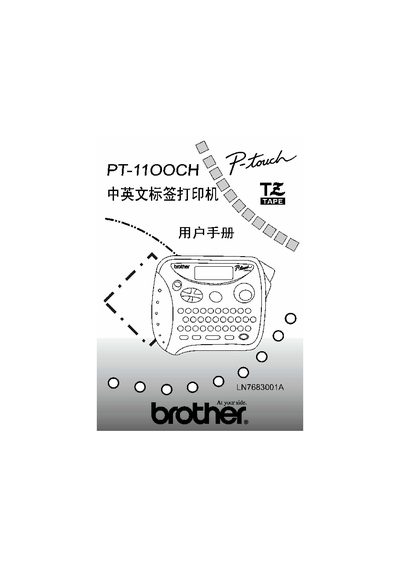
Brother PT-1100CH User Manual
This manual provides safety precautions and preparation steps before using the Brother PT-1100CH label printer. It includes warnings, required accessories, and handling instructions.
The guide also describes the printer’s interface, key functions, and basic operation procedures, helping users to configure settings, print labels, and perform routine maintenance. This manual is written in Japanese.
Brother PT-110 specifications
| Tape Widths | 1/4" (6 mm), 3/8" (9 mm) and 1/2" (12 mm) |
|---|---|
| Display Capacity | one row of 8 characters |
| Max Text Length | 55 characters |
| Auto Shut-off | five minutes |
All Brother PT-110 documents by type
Day-to-day operation, settings and troubleshooting. Start here if the product is already set up.
Questions answered in these manuals
How many characters can be entered on the display?
The LCD shows one row of 8 characters.
What happens if the machine is not used for five minutes?
The machine automatically turns off.
What happens if the machine is unplugged for more than three minutes?
All text shown in the display and any text files stored in the memory will be lost.
How many AAA alkaline batteries are required to power the machine?
Six AAA alkaline batteries (LR03) are required.
How many batteries does the PT-110 require?
The machine uses six new AA size alkaline batteries.
What happens if no key is pressed for five minutes?
To conserve battery power, the P-Touch automatically switches itself off.