
Key facts
Start here
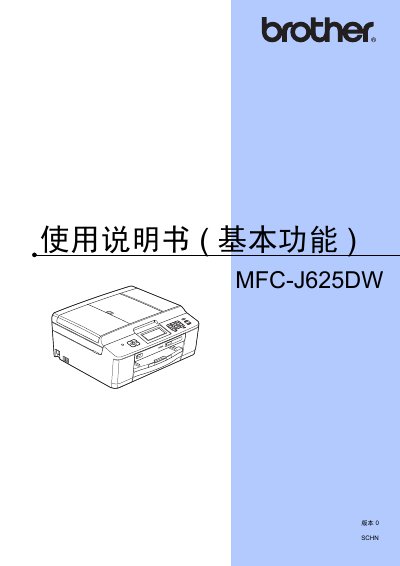
Brother MFC-J625DW All-in-One Printer User Guide
The document provides comprehensive instructions for using the Brother MFC-J625DW multifunction device. It details basic operations including printing, scanning, copying, and faxing, as well as advanced features like network configuration and image capture center usage.
The guide also includes sections on daily maintenance tasks such as replacing ink cartridges and cleaning components, along with a troubleshooting section to help resolve common errors and issues. This manual is written in Chinese.
Brother MFC-J625DW specifications
| Printer Type | Inkjet Printer |
|---|---|
| Memory Capacity | 64 MB |
| LCD Screen Size | 1.9 inch (49.0 mm) |
| Power Supply | AC 220 ~ 240 V, 50/60 Hz |
| Fax Modem Speed | 14,400 bps (Auto) |
| Scan Width (ADF) | 208 mm |
| Print Width | 210 mm |
All Brother MFC-J625DW documents by type
Day-to-day operation, settings and troubleshooting. Start here if the product is already set up.
Questions answered in these manuals
What paper sizes are supported?
The device supports A4, Executive, Letter, A5, A6, envelopes (Commercial No. 10, DL, C5, Monarch), and various photo sizes.
How many pages can be stored in memory for transmission?
The device can store up to 4,001 pages in memory for transmission.
How do I set the date and time on the printer?
You can set the date and time in the printer’s settings menu; this option is only available for MFC models.
From: Brother MFC-J625DW / DCP-J525W / DCP-J725DW User Manual