
Key facts
- Brand
- Brother
- Model
- MFC-9140CDN, MFC-9340CDW
- Category
- Printer
- Industry
- Appliances
- Documents
- 3
- Languages
- ZH
- Last added
- 2026-10-22
Start here
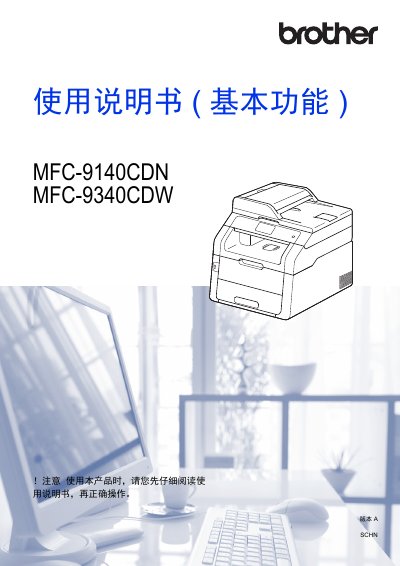
Brother MFC-9140CDN / MFC-9340CDW User Manual
This manual explains how to install, configure, and use the Brother MFC-9140CDN and MFC-9340CDW all‑in‑one printers. It covers basic functions such as printing, copying, scanning and faxing, as well as advanced features like network setup, Wi‑Fi Direct, and remote printing.
Key sections include paper handling, fax operation, PC‑Fax, telephone functions, direct USB printing, routine maintenance, consumable replacement, and a detailed troubleshooting guide. Safety, environmental disposal, and service support information are also provided. This manual is written in Chinese.
Brother MFC-9140CDN, MFC-9340CDW specifications
| Paper tray capacity | 250 sheets |
|---|---|
| Supported paper sizes | A4, Letter, Legal, B5 (JIS), Executive, A5, A6, Folio, 16K |
| Recommended paper weight | 70–90 g/m² |
| Direct USB printing | Print from USB flash drive without a computer |
All Brother MFC-9140CDN, MFC-9340CDW documents by type
Day-to-day operation, settings and troubleshooting. Start here if the product is already set up.
Questions answered in these manuals
How long does the device retain date, time, and scheduled fax jobs after a power outage?
The device retains this information for up to 60 hours.
From: Brother MFC-9140CDN/MFC-9340CDW Advanced Features User Manual
What is the default idle time before the device enters sleep mode?
The factory setting is three minutes.
From: Brother MFC-9140CDN/MFC-9340CDW Advanced Features User Manual
What is the recommended operating temperature range for the device?
The operating environment temperature should be kept between 10°C and 32.5°C.
From: Brother HL-3150CDN/HL-3170CDW/DCP-9020CDN/MFC-9140CDN/MFC-9340CDW Product Safety Manual
How long must you wait before touching internal parts after using the device?
You must wait at least 10 minutes for the device to cool down completely.
From: Brother HL-3150CDN/HL-3170CDW/DCP-9020CDN/MFC-9140CDN/MFC-9340CDW Product Safety Manual
Can I print directly from a USB flash drive?
Yes. Insert a USB flash drive into the printer’s USB direct‑print port and select the file to print without using a computer.
How should I dispose of used consumables?
Seal used toner cartridges in a plastic bag and follow local regulations for electronic waste disposal.