
Key facts
Start here
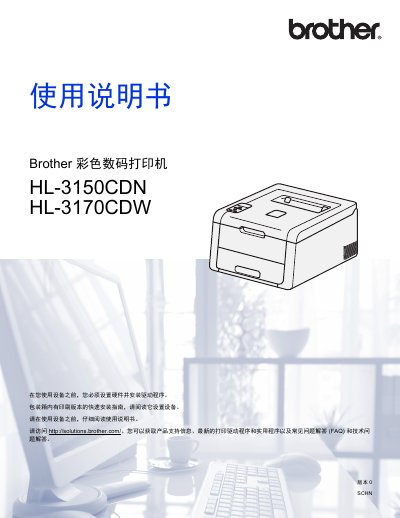
Brother HL-3150CDN/HL-3170CDW Color Laser Printer User's Guide
This user guide covers the complete setup process for the Brother HL-3150CDN and HL-3170CDW color digital printers. It includes detailed instructions on hardware installation, driver configuration for Windows and Macintosh systems, and connecting to networks via LAN or Wi-Fi Direct (for the W model). The document also explains how to use various paper types and media. This manual is written in Chinese.
Read onlineAll Brother HL-3150CDN, HL-3170CDW documents by type
Day-to-day operation, settings and troubleshooting. Start here if the product is already set up.
Questions answered in these manuals
What paper types can this printer use?
The printer supports ordinary paper, thin/thick/super-thick paper, coated paper, recycled paper, labels, envelopes, and glossy paper.
From: Brother HL-3150CDN/HL-3170CDW Color Laser Printer User's Guide
Where can I find technical support and drivers?
You can obtain product support information, the latest print drivers, and FAQs by visiting http://solutions.brother.com/.
From: Brother HL-3150CDN/HL-3170CDW Color Laser Printer User's Guide
What is the recommended operating temperature range for the device?
The operating environment temperature should be kept between 10°C and 32.5°C.
From: Brother HL-3150CDN/HL-3170CDW/DCP-9020CDN/MFC-9140CDN/MFC-9340CDW Product Safety Manual
How long must you wait before touching internal parts after using the device?
You must wait at least 10 minutes for the device to cool down completely.
From: Brother HL-3150CDN/HL-3170CDW/DCP-9020CDN/MFC-9140CDN/MFC-9340CDW Product Safety Manual