
Key facts
- Brand
- Brother
- Model
- 980M
- Category
- Fax machine
- Documents
- 3
- Languages
- EN · ZH
- Last added
- 2012-07-02
Start here
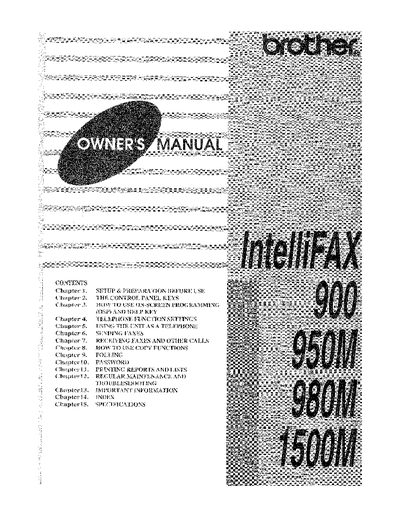
Brother IntelliFAX 900/950M/980M/1500M Owner's Manual
The Brother IntelliFAX 900/950M/980M/1500M is a plain paper fax machine designed to work with almost all types of copy or xerographic plain paper. The manual guides users through setup, including choosing a suitable location and connecting the unit to telephone lines or private branch exchanges (PBXs). It details how to utilize the control panel keys for one-touch dialing, speed-dialing, and on-screen programming.
Read onlineBrother 980M specifications
| Model | FAX1280 / FAX1980MC |
|---|---|
| Language | Chinese |
| Power Supply | 220V |
All Brother 980M documents by type
Day-to-day operation, settings and troubleshooting. Start here if the product is already set up.
Questions answered in these manuals
How can I verify that my fax machine is properly installed?
Fill out the TEST SHEET and fax it to 1-908-469-4547.
What is the first step to verify that the fax machine is properly installed?
You must fill out the TEST SHEET and fax it to 1-908-469-4547 as your first transmission.
What type of paper is recommended for best output quality?
The manual recommends using a 'laser printer' plain paper for the best quality output.
How can I verify that my fax machine is properly installed?
Fill out the TEST SHEET and fax it to 1-908-469-4547 as your first transmission.
How do I use the error correction mode?
The error correction mode is used to correct errors during fax transmission. It is activated by following the instructions in the manual.
What is the power supply for these fax machines?
The fax machines operate on a 220V power supply.