
Key facts
- Brand
- Brother
- Model
- 950M
- Category
- Fax machine
- Documents
- 3
- Languages
- EN
- Last added
- 2012-07-02
Start here
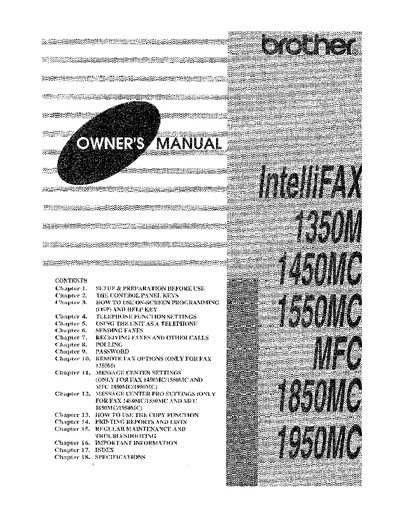
Brother IntelliFAX1350M/1450MC/1550MC MFC-1850MC/1950MC Owner's Manual
This document is the Owner's Manual for Brother IntelliFAX and MFC multi-function centers, specifically models 1350M, 1450MC, 1550MC, 1850MC, and 1950MC. It provides comprehensive instructions on preparing the unit for use, operating the control panel keys, and utilizing the On-Screen Programming (OSP) and Help features. The guide details how to configure telephone functions, send and receive faxes, use polling capabilities, and manage passwords.
Read onlineAll Brother 950M documents by type
Day-to-day operation, settings and troubleshooting. Start here if the product is already set up.
Questions answered in these manuals
How can I verify that my fax machine is properly installed?
Fill out the TEST SHEET and fax it to 1-908-469-4547.
What is the first step to verify that the fax machine is properly installed?
You must fill out the TEST SHEET and fax it to 1-908-469-4547 as your first transmission.
What type of paper is recommended for best output quality?
The manual recommends using a 'laser printer' plain paper for the best quality output.
How can I verify that my fax machine is properly installed?
Fill out the TEST SHEET and fax it to 1-908-469-4547 as your first transmission.
What paper type is recommended for the best results?
The manual recommends using laser plain paper for the best results when using the MFC as a printer.
From: Brother IntelliFAX1350M/1450MC/1550MC MFC-1850MC/1950MC Owner's Manual
Which models support the Message Center Pro settings?
Message Center Pro settings are available only for FAX 1450MC/1550MC and MFC 1850MC/1950MC.
From: Brother IntelliFAX1350M/1450MC/1550MC MFC-1850MC/1950MC Owner's Manual