
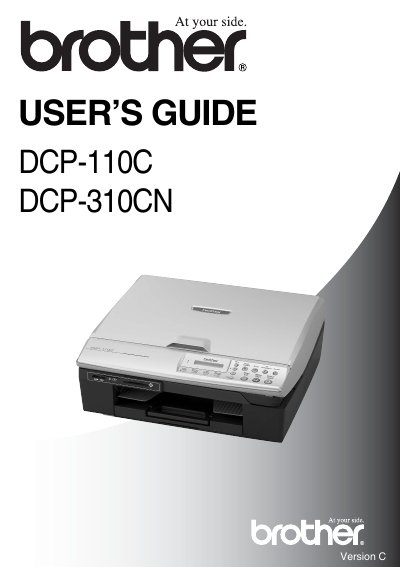
Brother DCP-110C DCP-310CN User's Guide


Brother DCP-110C DCP-310CN User's Guide - cover page
Brand
Brother
Category
All-in-one printer
Document type
User Manual
Language
English
Pages
100
File format
PDF
Published
29 March, 2012
Updated
29 September, 2023
MD5 checksum
DE3D8CAF7CB57031A56FB328297E907E

About this manual

This guide provides instructions for using the Brother DCP-110C and DCP-310CN printers, including how to load paper, make copies, print photos, and troubleshoot common issues. It also covers safety precautions, maintenance tips, and error message handling. The guide is designed for end users and includes detailed sections on copying, printing, and scanner use.

What's inside

  • Using this Guide
  • Control panel overview
  • Load documents
  • Using the scanner glass
  • Using the DCP as a copier
  • Walk-Up PhotoCapture Center™
  • Troubleshooting and routine maintenance
  • Safety Instructions
  • Shipping the DCP
  • User Settings

Frequently asked questions

What is the serial number location on the DCP?

The serial number is located on the back of the unit.

What is the recommended temperature range for the DCP?

The DCP should be placed where the temperature remains between 10° and 35°C.

What happens if the DCP is connected to a socket controlled by a wall switch?

Disruption of power can wipe out information in the DCP's memory.

Download PDF

More Brother Manuals


View all Brother manuals →