
Key facts
Start here
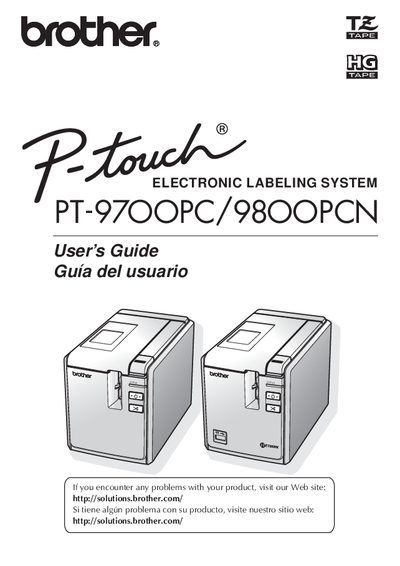
brother PT-97OOPC 98OOPCN user manual
The PT-9700PC/PT-9800PCN is a label printer that enables users to easily print custom labels after connecting it to a computer. This manual covers various precautions and basic procedures for operating the device.
Read onlineBrother PT-9800PCN specifications
| Operating temperature | 10-30°C |
|---|---|
| Input voltage | 220-240 V AC |
| Compatible color ribbons | Brother TZ or Brother HG |
All Brother PT-9800PCN documents by type
Day-to-day operation, settings and troubleshooting. Start here if the product is already set up.
Questions answered in these manuals
What is the warranty period for the Brother PT-9700PC/PT-9800PCN?
The product and accompanying accessory items have a two-year warranty from the original purchase date, while accompanying consumable items have a 90-day warranty.
From: Brother PT-9700PC/PT-9800PCN Label Printer User's Guide
What can I try if the printer causes radio or television interference?
You can reorient or relocate the receiving antenna, increase separation between the equipment and receiver, connect the equipment to a different circuit, or consult a dealer or technician.
From: Brother PT-9700PC/PT-9800PCN Label Printer User's Guide
What is the warranty period for the printer and accessory items?
The warranty covers the product and accessory items for two years from the original purchase date.
What is the warranty period for consumable items?
The warranty covers consumable items for 90 days from the original purchase date or the rated life of the consumable, whichever comes first.
What type of color ribbon can be used with this printer?
Only Brother TZ or Brother HG color ribbons are compatible.
What is the recommended operating temperature range?
The printer should be used in an environment of 10 °C to 30 °C.