
Key facts
- Brand
- Brother
- Model
- PT-150
- Category
- Office Equipment
- Documents
- 3
- Languages
- EN
- Last added
- 2012-07-02
Start here
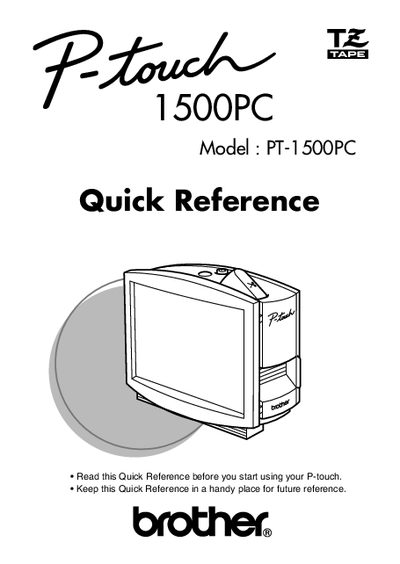
Brother PT-1500PC Label Printer Quick Reference
This document serves as a Quick Reference for the Brother PT-1500PC label printer. It provides essential instructions for unpacking the device, inserting photos into the attached frame, and changing the tape cassette. The guide details how to connect the AC adapter and USB interface cable to power the printer and link it to a computer.
Read onlineAll Brother PT-150 documents by type
The shortest path to a working setup, usually only a few pages.
Day-to-day operation, settings and troubleshooting. Start here if the product is already set up.
Questions answered in these manuals
What is included in the box with the printer?
The package includes a photo frame, an AC adapter (model AD-60), and a USB interface cable.
What is the width of the tape cassette included?
The included tape cassette is 1/2 inch or 12 mm wide.
What software is included with the printer?
The enclosed CD-ROM contains P-touch Quick Editor and P-touch Editor Ver. 3.1.
How do I turn the printer on or off?
Press the Power/Feed key once to turn the machine on or off.
What is the primary function of this device?
The P-touch label maker helps users design and print labels for various applications using colorful tape cartridges.