
Key facts
Start here
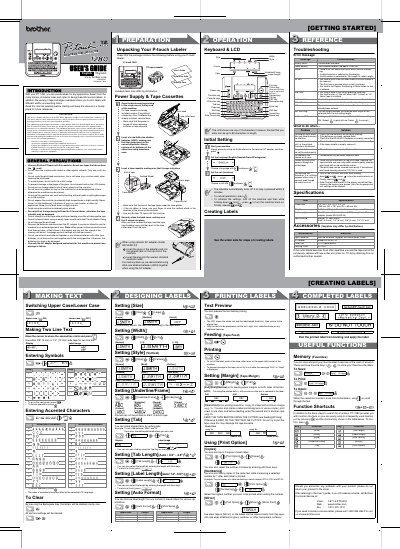
Brother PT-1280 Electronic Labeling System User's Guide
This manual provides instructions for the Brother PT-1280 electronic labeling system. It details how to set up the device using batteries or an optional AC adapter, and explains how to create custom labels using various tape widths, colors, and styles. The guide includes step-by-step procedures for entering text, formatting labels, and feeding tape.
Read onlineBrother PT-1280 specifications
| Dimensions | 6.4" (W) × 6.0" (D) × 2.4" (H) |
|---|---|
| Weight | 1.03 lbs. (470 g) |
| Power supply | Six AAA-size alkaline batteries (LR03) or optional AC adapter (model AD-30/AD-24) |
| Tape cassette | Brother TZ tape (width) : 9/64" (3.5 mm), 1/4" (6 mm), 3/8" (9 mm), 1/2" (12 mm) |
Source: Brother PT-1280 Electronic Labeling System User's Guide
All Brother PT-1280 documents by type
Day-to-day operation, settings and troubleshooting. Start here if the product is already set up.
Questions answered in these manuals
What batteries does the PT-1280 use?
The machine uses six AAA-size alkaline batteries (LR03) or an optional AC adapter.
From: Brother PT-1280 Electronic Labeling System User's Guide
How do I initialize the settings?
Turn off the machine and then press and hold the Power key and the ESC key while pressing the OK key to turn it back on.
From: Brother PT-1280 Electronic Labeling System User's Guide
What should I do if the batteries are weak?
Replace the six AAA alkaline batteries with new ones.
How do I cut a printed label?
Push the tape cutter lever on the upper‑right corner of the machine after printing.