
Key facts
- Brand
- Brother
- Model
- MFC-8880DN
- Category
- Printer
- Industry
- Appliances
- Documents
- 2
- Languages
- ZH
- Last added
- 2026-10-20
Start here
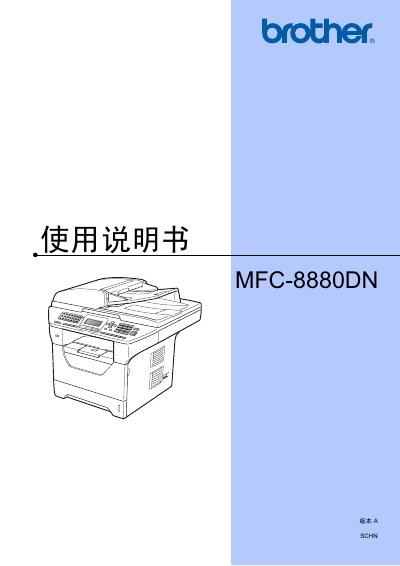
Brother MFC-8880DN Multifunction Printer User's Guide
The document serves as a comprehensive guide for the Brother MFC-8880DN multifunction printer. It provides detailed instructions on operating the device, including loading paper and originals, configuring various modes such as copy, print, and fax, and managing network connections.
Key sections cover security features like password protection and user restrictions, troubleshooting common issues, daily maintenance tasks such as cleaning components, and specifications regarding supported media types and interface requirements. This manual is written in Chinese.
Brother MFC-8880DN specifications
| Recommended Paper Weight | 75-90 g/m² |
|---|---|
| Recommended Paper Thickness | 80-110 µm |
| Fusing Temperature | 200°C (392°F) |
Source: Brother MFC-8880DN Multifunction Printer User's Guide
All Brother MFC-8880DN documents by type
Day-to-day operation, settings and troubleshooting. Start here if the product is already set up.
Questions answered in these manuals
Can envelopes be used for duplex printing?
No, envelopes should only be fed through the Multi-Purpose Tray and must not be used for double-sided (duplex) printing.
How do I turn off the scanner lamp?
The scanner lamp can be turned off using the option described as "关闭扫描器灯" in the manual.
How can I set or change the administrator password?
The manual explains that you can set or change the administrator password via the "设置管理员密码" function.