
PT-9700PC/PT-9800PCN is a label printer that can be connected to a computer to easily print custom labels. Using a barcode scanner, you can easily print labels and barcodes by scanning barcodes
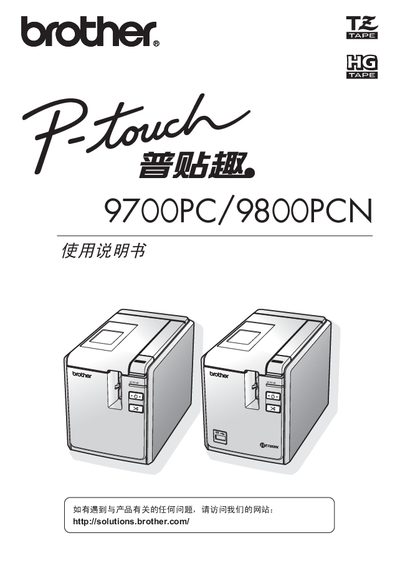
This manual describes the PT-9700PC and PT-9800PCN label printers, covering safety symbols, proper handling, and required accessories. It explains how to connect the printer to a computer, install the appropriate color ribbon (Brother TZ or HG), and operate the device using the supplied software.
Additional sections cover general precautions, environmental limits, troubleshooting, and repair information. The document also lists regulatory data such as hazardous substance content and warranty details. This manual is written in Japanese.
| Operating temperature | 10-30°C |
|---|---|
| Input voltage | 220-240 V AC |
| Compatible color ribbons | Brother TZ or Brother HG |
Only Brother TZ or Brother HG color ribbons are compatible.
The printer should be used in an environment of 10 °C to 30 °C.
No, placing the printer near fax machines, scanners, or similar equipment may cause malfunction.
The printer operates on 220‑240 V AC.