
This manual provides installation, operation, and configuration instructions for the ATEN EC1000 Energy Box, a device offering power management and…
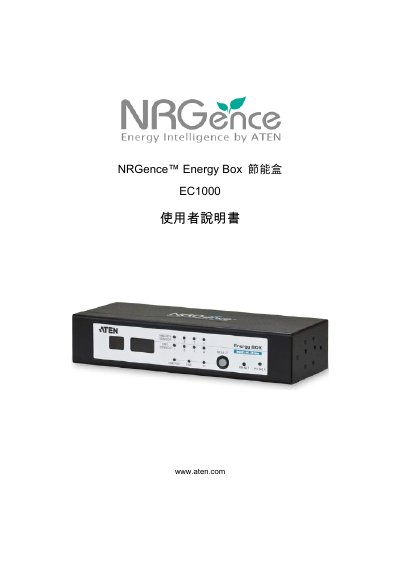
The ATEN EC1000 is an energy box designed to provide power management functions including environmental sensors, remote access, and security mechanisms. This user manual covers installation procedures, front panel operation, web browser configuration, and system requirements.
The document details how to install the hardware in a rack or on a desktop, operate the physical buttons and LEDs, and configure settings via a web interface or software like ecoSensors. It also includes information on firmware upgrades, backup restoration, and troubleshooting common issues such as administrator login errors. This manual is written in Chinese.
| Power Monitoring Range | 100 – 240 V; 50/60 Hz; 0 A to 32 A (per port) |
|---|---|
| Current Accuracy | ± 0.1 A @ 0 ~ 1 A, ± 1 % @ > 1 A |
| Operating Temperature | 0 – 50 °C |
| Storage Temperature | -20 – 60 °C |
| Weight | 0.59 kg |
The default IP address for the switcher is 192.168.0.60.
You must remove the power and case, place a jumper cap on board location J6, power it on briefly, then remove the cap.
Yes, the product complies with RoHS regulations.