
This document is ATEN's USB KVMPTM Switch CS1732A / CS1734A User Manual
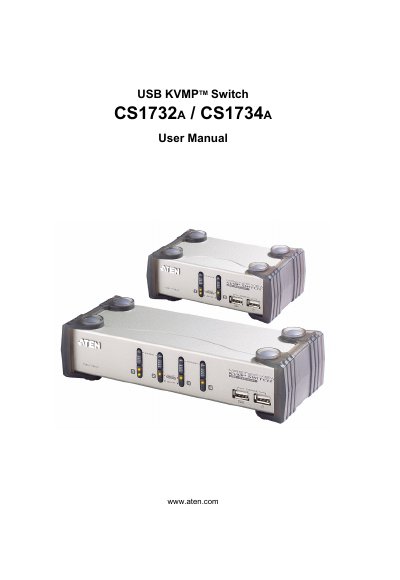
This manual covers the ATEN CS1732A and CS1734A USB KVMP Switch, describing its features, hardware components, and how to set up the device for use with multiple computers. It includes safety notices, FCC compliance information, and registration details.
Key sections include hardware setup with cable connections, basic operation procedures, keyboard port functions, firmware upgrade steps, technical specifications, and a troubleshooting guide. Appendices provide connector information, warranty terms, and additional support resources.
Use the USB reset hotkey combination (see [F5]) to reset the USB ports.
Unplug the cable(s) from the console part(s), then plug them back in.
Run the Firmware Upgrade Utility as described in Chapter 6 to upgrade the device firmware.