
CS-1732A/CS-1734A is a KVM switch from Masterview, supporting 2/4 hosts connection, hot-plugging, port coding, hot key setting mode, Sun keyboard and Mac keyboard emulation, and firmware update
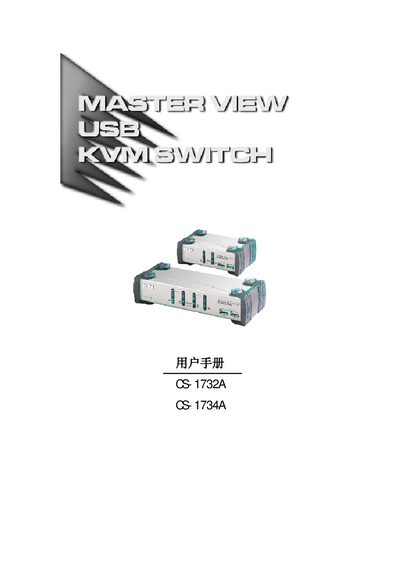
This manual covers the Master View CS-1732A (dual‑port) and CS-1734A (quad‑port) KVM switches with built‑in USB hub and audio support. It explains the hardware requirements, cable connections, and how to switch between hosts using front‑panel buttons or hotkey combinations.
The document also includes firmware update procedures, detailed product specifications, fault‑diagnosis tables, and warranty information, helping users set up and maintain the switches in a commercial environment. This manual is written in Chinese.
| Number of host connections | 2 (CS-1732A) / 4 (CS-1734A) |
|---|---|
| Keyboard interface | 1 × USB Type‑A |
| Mouse interface | 1 × USB Type‑A |
| Video connector | 1 × HDB‑15 (male) |
| Audio ports | 1 × audio out, 1 × mic |
| Maximum video resolution | 2048 × 1536 |
| Power consumption | 240 mA (idle) / 1280 mA (max) |
| Operating temperature | 0 °C – 50 °C |
| Dimensions (CS‑1732A) | 13.0 × 7.45 × 4.2 cm |
| Weight | 0.49 kg |
Press the USB reset hotkey combination as described in the manual (see page 18).
Use a DC 5 V power adapter and verify that the adapter matches the system specifications.
The switch supports up to 2048 × 1536 resolution.