
CS-1732A / CS-1734A User Manual, introduce the features and characteristics of the product, hardware requirements, installation, hot key operation and so on
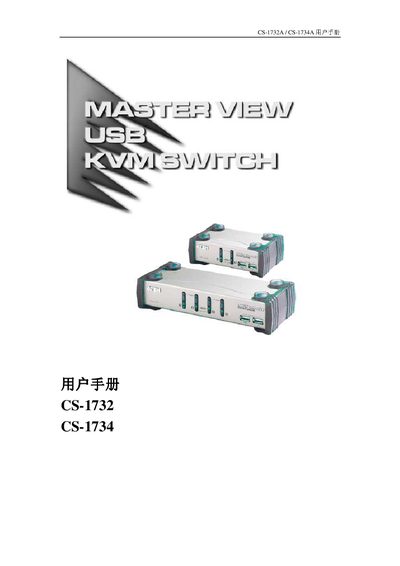
The ATEN CS-1732A and CS-1734A are dual‑direction KVM switches that combine 2 or 4 host ports with a 2‑port USB hub. They let a single control console manage multiple PCs, Macs or Sun workstations via USB or PS/2 connections and also support audio output through a single microphone.
This manual covers hardware installation, required cables, hot‑key operation, firmware upgrade procedures, detailed product specifications, troubleshooting steps and warranty information, helping users install and maintain the switch safely and efficiently. This manual is written in Chinese.
| Host connections | 2 (CS-1732A) / 4 (CS-1734A) |
|---|---|
| Power consumption | 240 mA (CS-1732A) / 1280 mA (CS-1734A) |
| Operating temperature | 0 °C – 50 °C |
| Dimensions (L×W×H) | 13.0 × 7.45 × 4.2 cm (CS-1732A) / 20 × 7.45 × 4.2 cm (CS-1734A) |
You can select a host by pressing the front‑panel buttons or by using keyboard hot‑key combinations.
Check that a DC 5 V power supply is used, verify the power connection, and reset the ports as described in the troubleshooting section.