
Key facts
Start here
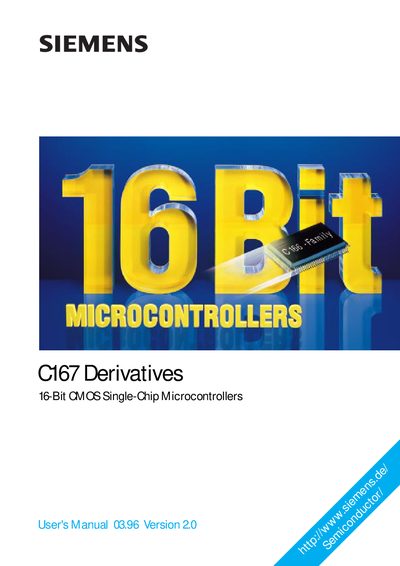
Siemens C167 Derivatives User Manual
This manual describes the functionality of the Siemens C167‑class 16‑bit CMOS microcontrollers, covering a range of derivatives such as C167CR, C167SR and C167S. It explains the high‑performance architecture, integrated peripherals, and design considerations for real‑time embedded control applications.
The document includes sections on CPU design, memory organization, interrupt handling, serial interfaces, timer units, watchdog timer, and on‑chip CAN interface, as well as programming guidelines and system reset procedures.
Siemens C167 specifications
| Architecture | 16‑bit CMOS single‑chip microcontroller |
|---|---|
| On‑chip XRAM | 2 KB |
| CAN module | Integrated |
| ROM size | up to 128 KB |
| Watchdog Timer | Provides system reset on failure |
All Siemens C167 documents by type
Day-to-day operation, settings and troubleshooting. Start here if the product is already set up.
Questions answered in these manuals
Which C167 derivatives are covered by this manual?
The manual covers C167CR‑LM, C167CR‑4RM, C167CR‑16RM, C167CR‑16FM, C167SR‑LM, C167S‑4RM, and the basic C167‑LM versions.
What is the purpose of the Watchdog Timer in the C167?
The Watchdog Timer (WDT) monitors the system and forces a reset if the software fails to service it, helping to recover from faults.
How can I connect the device to a wireless network?
You can use the built‑in WPS function to connect PCs or notebooks with a single click, or configure the wireless settings manually via the setup wizard.
From: SIEMENS SIEMENS C167 Derivatives User's ManualUser's Manual
How do I back up the device configuration?
Use the backup function in the Administration section to save configuration data, which can later be restored if needed.
From: SIEMENS SIEMENS C167 Derivatives User's ManualUser's Manual