
This document describes the features and characteristics of the Gigaset SX763 WLAN dsl product. It includes information on environmental protection, local area networks with Gigaset products, wired and wireless network connections, and internet telephony and connecting analogue phones.
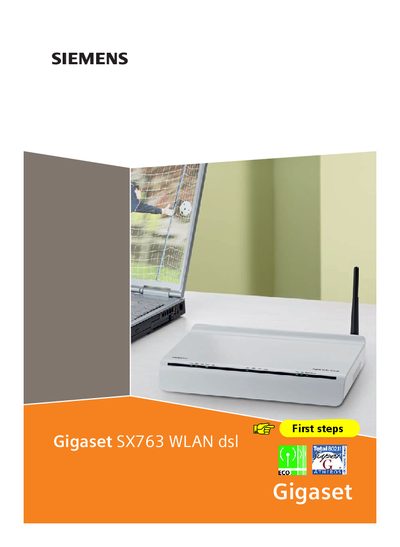
The Gigaset SX763 WLAN DSL is a communications device that combines an integrated ADSL/ADSL2+ modem with wireless LAN capabilities. It supports Super G technology, up to 108 Mbps wireless throughput, and secure encryption methods such as WPA/WPA2 and 64/128‑bit WEP.
This manual guides users through first‑step installation, network configuration, security setup, VoIP telephony, backup and restore procedures, firmware updates, and troubleshooting. It also explains power‑saving features like adjustable WLAN transmission power and a switch‑mode power supply.
| Modem type | Integrated ADSL/ADSL2+ modem |
|---|---|
| Encryption support | WPA/WPA2 and 64/128‑bit WEP |
| Power supply | Switch‑mode power supply |
You can use the built‑in WPS function to connect PCs or notebooks with a single click, or configure the wireless settings manually via the setup wizard.
Use the backup function in the Administration section to save configuration data, which can later be restored if needed.
Through the user interface you can lower the WLAN transmission power or turn the WLAN off completely when not in use.