
Key facts
- Brand
- Philips
- Model
- SPM9800
- Category
- Mouse keyboard
- Industry
- Computers
- Documents
- 2
- Languages
- EN · ZH
- Last added
- 2012-02-28
Start here
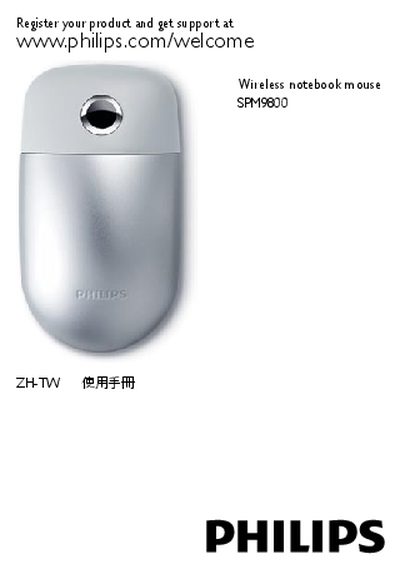
Philips SPM9800 Wireless Notebook Mouse User Manual
This manual explains how to register your Philips SPM9800 wireless notebook mouse and access support through the Philips website. It includes basic product information, battery details, and the 360° TouchControl™ feature.
The guide covers Bluetooth 2.0 pairing using the Bluetooth Setup Assistant, lists compatible operating systems (Windows 7, XP, Vista and Mac OS X 10.2.8), and provides FCC compliance instructions with troubleshooting steps for potential radio interference.
Philips SPM9800 specifications
| Bluetooth version | 2.0 or higher |
|---|---|
| Supported operating systems | Windows 7, XP, Vista; Mac OS X 10.2.8 or later |
| Charging interface | USB port (charging only) |
| Battery charging time | approximately 8 hours |
All Philips SPM9800 documents by type
Day-to-day operation, settings and troubleshooting. Start here if the product is already set up.
Questions answered in these manuals
How do I pair the Philips SPM9800 mouse with a Mac?
Turn on the mouse, press the connection button, then open System Preferences → Bluetooth, click the “+” button, select “Mouse”, continue the setup, and finish.
What do the battery indicator lights mean?
A slow flash indicates the mouse is charging, a steady flash means low battery, and a continuous light shows sufficient charge.