
The document is a registration and user manual for the Philips wireless notebook mouse SPM9800. It provides information on important matters such as the safety of electromagnetic fields and radiation, as well as the recycling and environmental requirements of the product. It also includes the system requirements and an overview of the product's features.
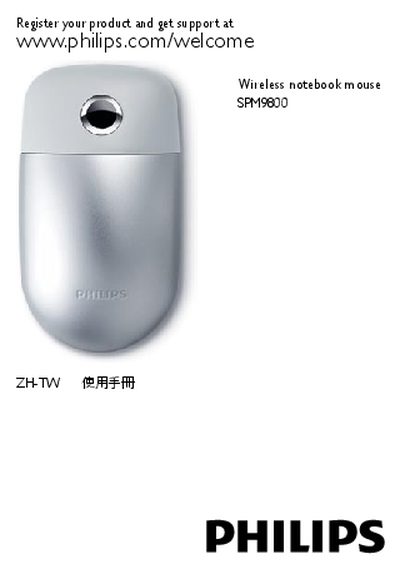
The Philips SPM9800 is a wireless notebook mouse designed for use with Windows and Mac operating systems. It features Bluetooth 2.0 or higher connectivity and includes a 360° TouchControl™ scroll wheel. The device is powered by a rechargeable battery via a USB cable and includes a laser sensor for tracking. This manual is written in Chinese.
| Bluetooth Version | 2.0 or higher |
|---|---|
| Operating Systems | Windows 7, XP, Vista; Mac OS X 10.2.8 or higher |
| Power Source | Rechargeable via USB cable |
| Charging Time | Approximately 8 hours |
Turn on the mouse, press the CONNECT button, then add the device via Control Panel > Bluetooth Devices.
Turn on the mouse, press CONNECT, then go to System Preferences > Bluetooth and add the mouse.
It takes approximately 8 hours to fully charge the battery.