
This is a user manual for the wireless notebook mouse SPM9800, including product features, usage methods and connection methods
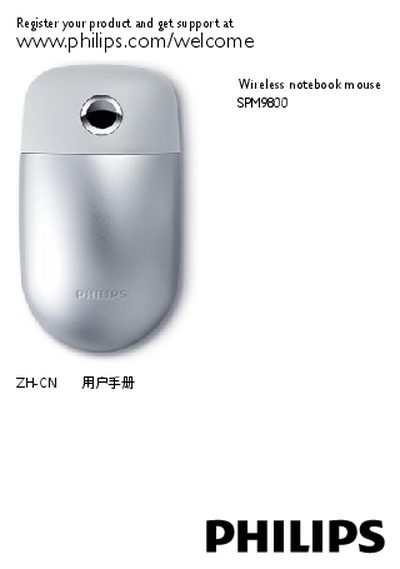
The Philips SPM9800 is a wireless notebook mouse featuring a 360° TouchControl™ surface, left/right click buttons, a laser sensor, and a rechargeable battery. It connects via Bluetooth and can be used with Windows and Mac computers.
The manual explains system requirements, how to pair the mouse with Windows or macOS, the meaning of the battery indicator lights, charging procedures, and common troubleshooting steps. It also includes regulatory notices and product disposal information. This manual is written in Chinese.
| Bluetooth version | 2.0 or higher |
|---|---|
| Supported operating systems | Windows 7, XP, Vista; Mac OS X 10.2.8 or later |
| Charging interface | USB port (charging only) |
| Battery charging time | approximately 8 hours |
Turn on the mouse, press the connection button, then open System Preferences → Bluetooth, click the “+” button, select “Mouse”, continue the setup, and finish.
A slow flash indicates the mouse is charging, a steady flash means low battery, and a continuous light shows sufficient charge.
The mouse requires Bluetooth 2.0 or higher, a USB port for charging, and runs on Windows 7, XP, Vista or Mac OS X 10.2.8 or later.