
Key facts
Start here
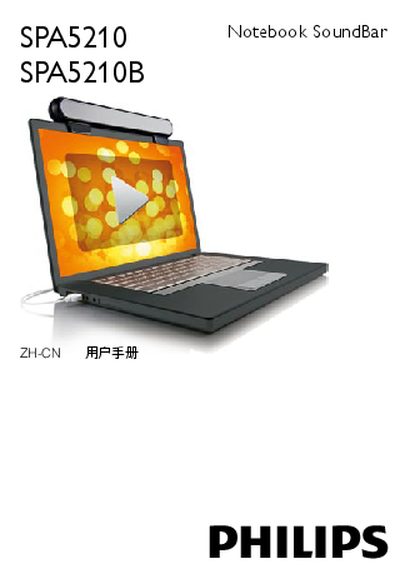
PHILIPS SPA5210/5210B user manual
This manual explains how to install the Philips SPA5210 Notebook SoundBar on a laptop, including sliding the clamp onto the screen, tightening the screws, and connecting the USB cable. It also covers how to use the device with multimedia applications and how to safely remove it after use.
System requirements, troubleshooting steps for undetected devices on Windows and Mac, FCC compliance notices, and proper disposal instructions are also included to ensure reliable operation and environmental responsibility. This manual is written in Chinese.
Philips SPA5210 specifications
| USB Interface | USB 2.0 |
|---|---|
| Audio Amplifier Class | Class D |
| Dimensions (W×H×D) | 295 mm × 9.5 mm × 5 mm |
| Net Weight | 0.3669 kg |
| Supported Operating Systems | Windows 98 SE to Vista, macOS X and later |
All Philips SPA5210 documents by type
Day-to-day operation, settings and troubleshooting. Start here if the product is already set up.
Questions answered in these manuals
How do I install the SoundBar on my notebook?
Place the SoundBar on top of the notebook screen, connect it to a USB port, and it will fold for storage when not in use.
Does the SoundBar require batteries?
No, the SoundBar is powered directly from the USB connection and does not need batteries.