
This document provides instructions for the installation and use of the Notebook SoundBar SPA5210B, as well as system requirements. The product is made with recyclable high-performance materials and components.
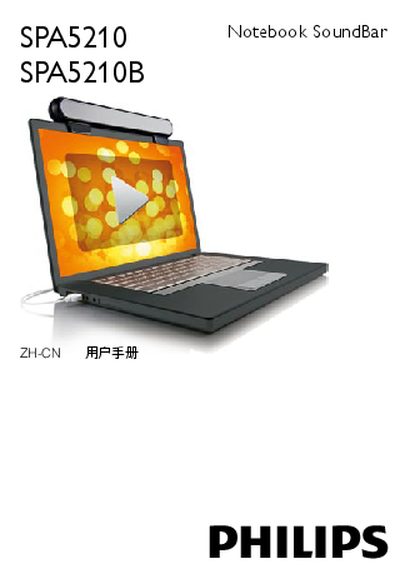
This manual explains how to install the Philips SPA5210 Notebook SoundBar on a laptop, including sliding the clamp onto the screen, tightening the screws, and connecting the USB cable. It also covers how to use the device with multimedia applications and how to safely remove it after use.
System requirements, troubleshooting steps for undetected devices on Windows and Mac, FCC compliance notices, and proper disposal instructions are also included to ensure reliable operation and environmental responsibility. This manual is written in Chinese.
| USB Controller Requirement | Certified USB controller |
|---|---|
| Connector Type | Built‑in USB connection |