
Key facts
- Brand
- Philips
- Model
- SPA7360
- Documents
- 2
- Languages
- ZH
- Last added
- 2012-02-28
Start here
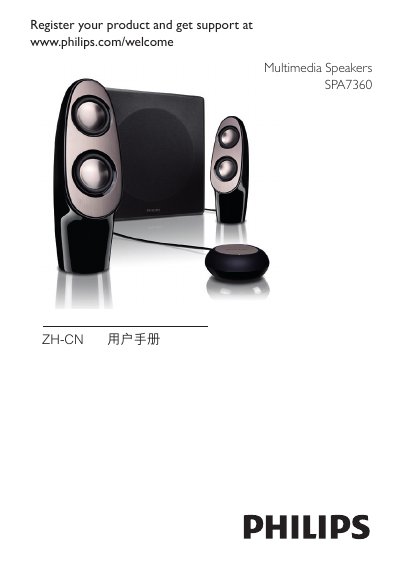
Philips SPA7360 Multimedia Speakers User Manual
Philips SPA7360 Multimedia Speakers user manual provides installation steps, operating instructions, optional functions, and safety warnings. It lists system requirements for personal computers and Macs and describes connecting speakers, wired remote, power, and audio sources.
The manual also covers volume and bass adjustment, headphone and MP3 source connections, and recycling guidance for the product. This manual is written in Chinese.
Philips SPA7360 specifications
| Headphone output voltage | ≤ 150mV |
|---|---|
| Compatible OS (Windows) | 98SE, ME, 2000, XP, Vista, 7 |
| Compatible OS (Mac) | OS9, OS X or newer |
All Philips SPA7360 documents by type
Day-to-day operation, settings and troubleshooting. Start here if the product is already set up.
Questions answered in these manuals
Can I connect headphones or an MP3 player?
Yes, both headphone cables and MP3 sources can be connected to the wired remote control.
What Windows versions are supported?
Windows 98SE, ME, 2000, XP, Vista, or Windows 7.
What are the system requirements for the Philips SPA7360?
Personal computers with Windows 98SE, ME, 2000, XP, Vista, or 7, and Mac OS9/OS X or higher.
How do I connect the speakers to a computer?
Connect the speaker plugs to the subwoofer audio output jacks by color, connect the audio input plug from the subwoofer green port to the computer port, connect the wired remote, plug in AC power, then turn on the system.