
Philips SPA5210 Notebook SoundBar User Manual, introduce the installation and use of notebook SoundBar.
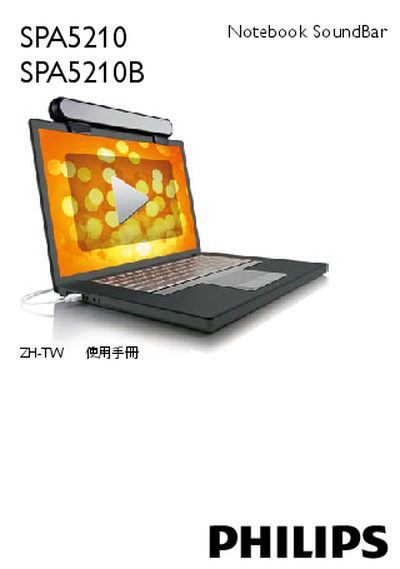
This manual provides step-by-step instructions for installing and using the Philips SPA5210/SPA5210B notebook soundbar. It includes details on system compatibility, USB connection, mounting, and proper handling. The guide also covers troubleshooting steps if the device is not detected and includes environmental and disposal information.
The soundbar is designed for use with Windows and Mac computers and requires a certified USB controller. It should be mounted above the laptop screen and connected via USB. Users are advised not to disconnect the USB cable during operation and to follow proper disposal procedures for electronic waste. This manual is written in Chinese.
It supports Windows 98SE, ME, 2000, XP, or Vista.
It supports Mac OS9/OS X or newer.
Do not unplug the USB plug during playback.
Close the multimedia application, unplug the USB cable, loosen the screws, remove it from the screen, wrap the cable, insert the plug into the side slot, and place it in the storage bag.