
The Philips SPA5210 Screen Giant is a sleek, smart USB laptop sound bar with a single convenient USB connection. Simply clip it to the top of your screen and let it play! Or place it next to your laptop and share your favorite tunes with everyone.
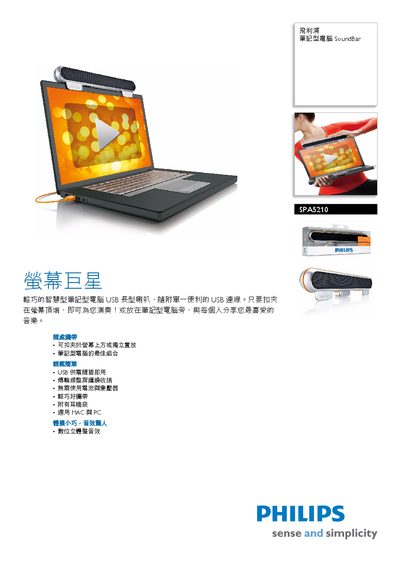
The Philips SPA5210 SoundBar is a compact USB‑powered audio accessory designed to sit on top of a notebook screen, delivering enhanced bass and clear sound without the need for batteries. It folds for easy storage and includes a carrying pouch.
This manual covers installation steps, system requirements, technical specifications, and what is included in the package, helping users quickly set up and use the SoundBar with compatible Windows or macOS computers. This manual is written in Chinese.
| USB Interface | USB 2.0 |
|---|---|
| Audio Amplifier Class | Class D |
| Dimensions (W×H×D) | 295 mm × 9.5 mm × 5 mm |
| Net Weight | 0.3669 kg |
| Supported Operating Systems | Windows 98 SE to Vista, macOS X and later |
Place the SoundBar on top of the notebook screen, connect it to a USB port, and it will fold for storage when not in use.
No, the SoundBar is powered directly from the USB connection and does not need batteries.
A USB 2.0 port and a PC running Windows 98 SE up to Vista, or a Mac with OS X or later.