
Key facts
- Brand
- Philips
- Model
- SA08
- Category
- MP3 Player
- Industry
- Electronics
- Documents
- 5
- Languages
- ZH · EN
- Last added
- 2012-03-13
Start here
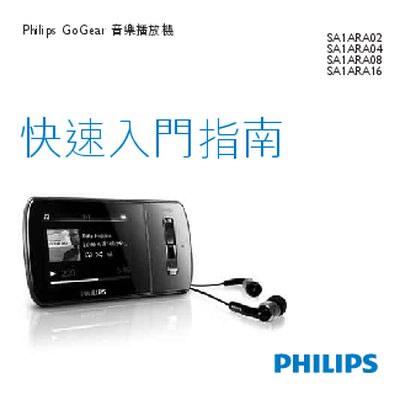
Philips SA1ARA02/04/08/16 GoGear Aria Quick Start Guide
This guide walks you through registering your GoGear Aria, checking the box contents, and learning the control keys and connection layout. It also explains how to connect the device to a computer, charge it for the first use, and install the required software.
Further sections cover basic operation such as browsing, playback, transferring media, using audiobooks and radio, adjusting settings, updating firmware, and where to find help. Environmental disposal instructions are provided at the end. This manual is written in Chinese.
Philips SA08 specifications
| Internal memory (SA3RGA02) | 2 GB NAND |
|---|---|
| Internal memory (SA3RGA04) | 4 GB NAND |
| Internal memory (SA3RGA08) | 8 GB NAND |
| Supported WMA bitrate | 10‑320 kbps CBR, 32‑192 kbps VBR |
| Supported FLAC bitrate | 1‑1 048 kbps |
| Supported APE bitrate | 8‑48 kbps |
| Output power | 2 × 2 W |
| Frequency response | 20 Hz – 18 kHz |
All Philips SA08 documents by type
Day-to-day operation, settings and troubleshooting. Start here if the product is already set up.
The shortest path to a working setup, usually only a few pages.
Questions answered in these manuals
How do I update the firmware of the SA3RGA music player?
Connect the player to a PC and use the Philips Songbird software to download and install the latest firmware.
How can I manage media files on the device?
Media files are managed through the Philips Songbird application, which lets you add, remove, and organize songs and playlists.
How can I limit the maximum volume on the VIBE?
Select Settings → Sound settings → Volume limit, adjust the level, and confirm.
How long does the battery last when playing music?
The device provides up to 24 hours of music playback on a full charge.
How do I update the CAM's firmware?
Connect the CAM to a computer for the first time, then follow the pop‑up window to install Philips Device Manager and complete the update as instructed.
What is the music playback time on a full charge?
The CAM provides up to 12 hours of music playback on a fully charged battery.