
Philips Songbird is a portable MP3 player that supports SD cards and FM
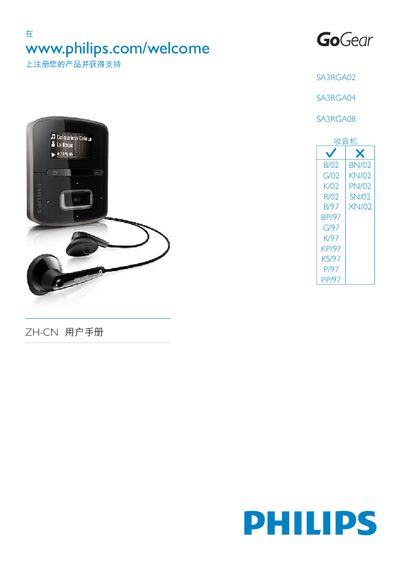
This manual covers important safety information, installation procedures, and basic operation of the Philips SA3RGA02/04/08 music player. It explains how to connect the device, load media files, and use the Philips Songbird software for firmware updates and media management.
Additional sections describe audio playback settings, supported file formats, technical specifications such as internal memory size and audio output power, and troubleshooting tips. The document also includes a quick‑start guide for getting the player up and running quickly. This manual is written in Chinese.
| Internal memory (SA3RGA02) | 2 GB NAND |
|---|---|
| Internal memory (SA3RGA04) | 4 GB NAND |
| Internal memory (SA3RGA08) | 8 GB NAND |
| Supported WMA bitrate | 10‑320 kbps CBR, 32‑192 kbps VBR |
| Supported FLAC bitrate | 1‑1 048 kbps |
| Supported APE bitrate | 8‑48 kbps |
| Output power | 2 × 2 W |
| Frequency response | 20 Hz – 18 kHz |
Connect the player to a PC and use the Philips Songbird software to download and install the latest firmware.
Media files are managed through the Philips Songbird application, which lets you add, remove, and organize songs and playlists.