
This document is a quick start guide for the Philips GoGear music player, providing instructions on how to use the product and its features.
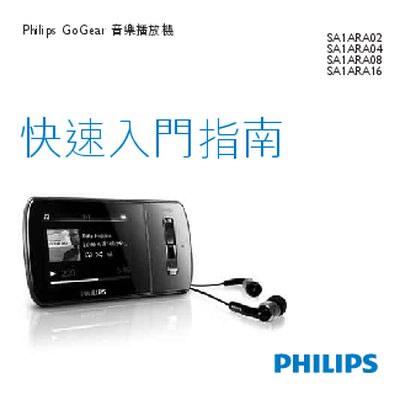
This guide walks you through registering your GoGear Aria, checking the box contents, and learning the control keys and connection layout. It also explains how to connect the device to a computer, charge it for the first use, and install the required software.
Further sections cover basic operation such as browsing, playback, transferring media, using audiobooks and radio, adjusting settings, updating firmware, and where to find help. Environmental disposal instructions are provided at the end. This manual is written in Chinese.
| Operating System | Windows XP SP2 or Vista |
|---|---|
| Processor | Pentium III 800 MHz or higher |
| RAM | 512 MB |
| Hard Disk Space | 500 MB |
Visit www.philips.com/welcome and register your product there.
Charge the GoGear Aria for about 3 hours the first time you use it.
You need Windows XP SP2 or Vista, a Pentium III 800 MHz processor, 512 MB RAM and 500 MB free disk space.
Connect the device to a PC, open Philips Device Manager, click the Update button and follow the on‑screen instructions.