
SA2CAM04 SA2CAM08 user manual, introduces the product's features and characteristics, including how to use, how to connect, how to charge, how to manage files, etc.
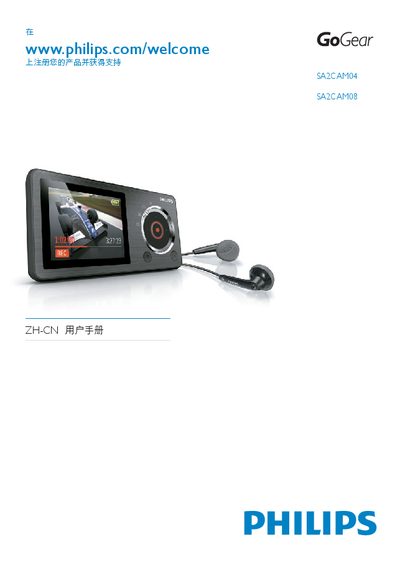
This manual covers everything you need to start using the Philips SA2CAM04/08 GoGear CAM 5, including safety information, basic controls, charging, and how to connect the device to a computer for file transfer. It also explains how to manage music, videos, photos, FM radio, and recordings directly on the CAM.
Additional sections describe battery life, volume limiting, automatic power‑off, lock button usage, firmware updates, and detailed technical data such as storage capacity, supported media formats, and audio performance specifications. This manual is written in Chinese.
| Battery capacity | 850 mAh Li‑polymer |
|---|---|
| Music playback time | 12 hours |
| Output power | 2 × 2.4 mW |
| Signal‑to‑noise ratio | > 80 dB |
| Frequency response | 45 Hz – 16 kHz |
| Internal storage | 4 GB (SA2CAM04) / 8 GB (SA2CAM08) NAND flash |
| Supported audio formats | MP3 (8‑320 kbps VBR), WMA (5‑192 kbps), WAV |
| Supported video formats | MPEG‑4 SP (*.avi, *.mp4) |
| Supported image formats | JPEG, BMP |
| Photo resolution | 2 MP JPEG |
| Video recording resolution | 640 × 480 MPEG‑4 |
| External memory support | Micro SD up to 32 GB |
| USB interface | USB 2.0 high‑speed |
| Headphone jack | 3.5 mm |
| Display | Color LCD 220 × 176 |
Connect the CAM to a computer for the first time, then follow the pop‑up window to install Philips Device Manager and complete the update as instructed.
The CAM provides up to 12 hours of music playback on a fully charged battery.
Connect the supplied USB cable to the CAM’s micro‑USB port and to a computer’s USB port; the device will charge automatically.