
GoGear Aria User Manual, introduces the product's usage methods, features and precautions.
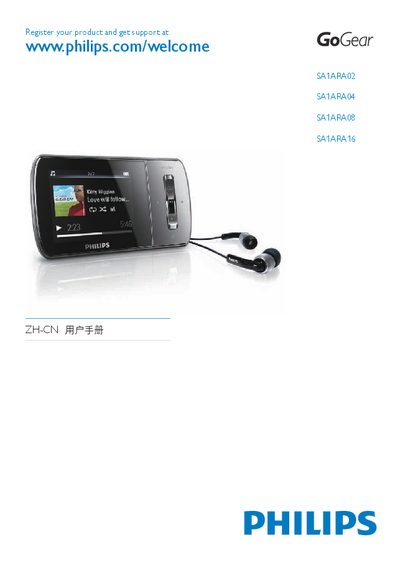
This manual introduces the Philips GoGear Aria portable media player, describing the contents of the packaging, the device’s controls, and how to connect it to a computer. It covers basic operations such as playing music, viewing pictures, watching videos, listening to FM radio, and recording audio.
The guide also includes safety information, battery‑charging instructions, volume‑limit settings, software installation steps, and a detailed technical data section with specifications for battery capacity, storage options, audio performance, and supported media formats. This manual is written in Chinese.
| Battery | 310 mAh Li‑polymer built‑in rechargeable |
|---|---|
| Music playback time | 25 hours |
| Storage capacity | 2 GB / 4 GB / 8 GB / 16 GB NAND flash (model dependent) |
| Display | 220 × 176 color LCD |
| Audio output power | 2 × 3 mW |
| Frequency response | 80 Hz – 18 kHz |
| Signal‑to‑noise ratio | > 84 dB |
| Connectivity | 3.5 mm headphone jack, USB 2.0 High Speed |
From the main menu select Settings > Sound Settings > Volume Limit, adjust the level, and confirm; the device will not exceed the set level.
A fully charged device can play music for up to 25 hours.