
This manual explains how to use the Philips PhotoFrame digital photo frame.
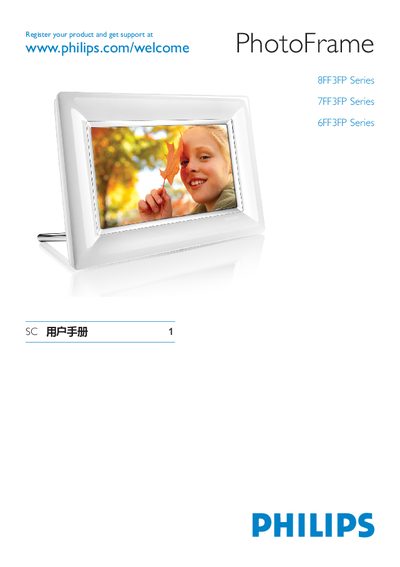
This manual explains how to register your Philips PhotoFrame series at the Philips support website and provides basic safety and warranty information. It includes an overview of the PhotoFrame hardware, display features, and the supported connections.
The guide details the supported storage media (SD, MMC, MMC+, USB), power requirements, operating temperature and humidity ranges, and environmental protection information for the built‑in battery. It also contains troubleshooting tips and contact information for service support.
| Operating Temperature | 0°~40° (F) / 32°~113° (C) |
|---|---|
| Operating Humidity | 20% ~ 80% |
You can register the product at the Philips support website: www.philips.com/welcome.
The PhotoFrame supports SD, MMC, MMC+, and USB storage devices.
The device operates between 0 °C – 40 °C (32 °F – 113 °F).