
273G3D TC User Manual, this is a user manual for a display, which includes product safety measures, maintenance, installation, operation, image optimization, using TriDef 3D software to watch 3D movies, technical specifications, power management, regulatory information, customer service and warranty, troubleshooting and FAQs.
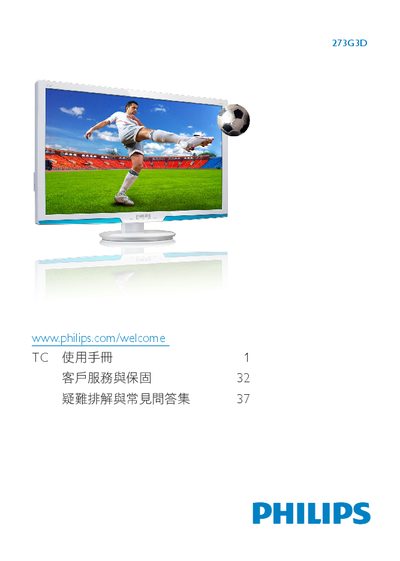
This manual explains how to safely install, connect, and operate the Philips 273G3D LCD monitor. It includes safety warnings, recommended environmental conditions, and step‑by‑step instructions for mounting the stand, connecting video sources, and using the built‑in SmartImage, SmartContrast, and SmartControl features.
Additional sections cover 3D viewing guidelines, battery‑powered 3D glasses usage, and a comprehensive troubleshooting and FAQ section to help resolve common issues such as image quality, power‑up problems, and warranty information. This manual is written in Chinese.
| Operating temperature | 0‑40 °C |
|---|---|
| Operating humidity | 20‑80 % RH |
| Recommended resolution | 1920 × 1080 @ 60 Hz |
| 3D glasses full charge time | ≈ 2 hours |
| 3D glasses continuous use time | ≈ 40 hours |
Because the monitor must be set to its native resolution of 1920 × 1080 @ 60 Hz for optimal clarity.