
Key facts
- Brand
- Philips
- Model
- 222EL2
- Documents
- 2
- Languages
- ZH
- Last added
- 2011-09-24
Start here
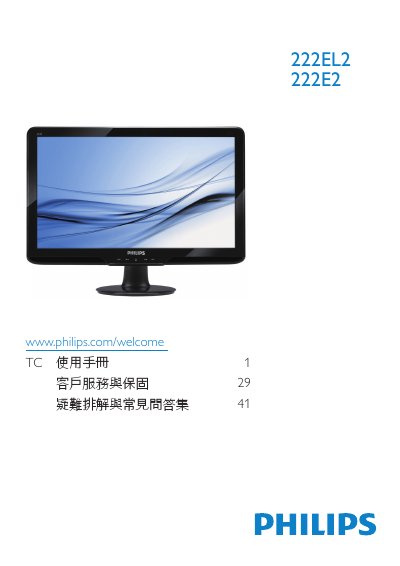
Philips 222EL2/222E2 Monitor User Manual
This manual provides safety guidelines, installation steps, and operating instructions for the Philips 222EL2/222E2 LCD monitor. It includes details on connecting power and video cables, adjusting OSD settings, and handling the monitor safely.
The document also lists technical specifications, regulatory compliance information, warranty terms, and a comprehensive FAQ section that helps resolve common issues such as resolution settings, refresh‑rate limits, and image retention problems. This manual is written in Chinese.
Philips 222EL2 specifications
| Panel size | 21.5 inches (54.6 cm) |
|---|---|
| Resolution | 1920 x 1080 @ 60 Hz |
| Brightness | 250 cd/m² |
| Contrast ratio (typical) | 1000:1 |
| Response time (typical) | 5 ms |
| VESA mounting | 100 mm × 100 mm |
All Philips 222EL2 documents by type
Day-to-day operation, settings and troubleshooting. Start here if the product is already set up.
Questions answered in these manuals
What resolution should I use for optimal performance?
The recommended resolution is 1920 × 1080 at 60 Hz.
Can the monitor be mounted on a VESA‑compatible wall bracket?
Yes, the monitor has a standard 100 mm × 100 mm VESA mounting pattern for wall or bracket installation.
What should I do if the monitor shows “cannot display this video mode” during installation?
Set the computer to the recommended resolution of 1920 × 1080 @ 60 Hz, then reconnect the monitor.
What is the recommended refresh rate for the LCD monitor?
The monitor is designed for a 60 Hz refresh rate; you may increase it up to 75 Hz if you experience interference.