
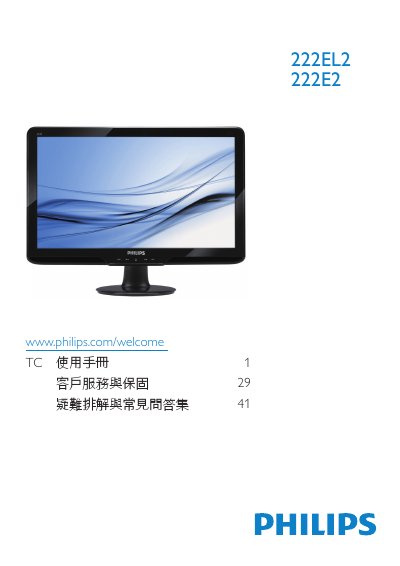
This manual provides safety guidelines, installation steps, and operating instructions for the Philips 222EL2/222E2 LCD monitor. It includes details on connecting power and video cables, adjusting OSD settings, and handling the monitor safely.
The document also lists technical specifications, regulatory compliance information, warranty terms, and a comprehensive FAQ section that helps resolve common issues such as resolution settings, refresh‑rate limits, and image retention problems. This manual is written in Chinese.
| Native resolution | 1920 x 1080 @ 60 Hz |
|---|---|
| Typical power consumption (222E2) | 26 W |
| Typical power consumption (222EL2) | 17 W |
| VESA mounting interface | 100 mm × 100 mm |
Set the computer to the recommended resolution of 1920 × 1080 @ 60 Hz, then reconnect the monitor.
The monitor is designed for a 60 Hz refresh rate; you may increase it up to 75 Hz if you experience interference.