
Key facts
- Brand
- Philips
- Model
- 202E2
- Documents
- 2
- Languages
- EN · ZH
- Last added
- 2012-03-22
Start here
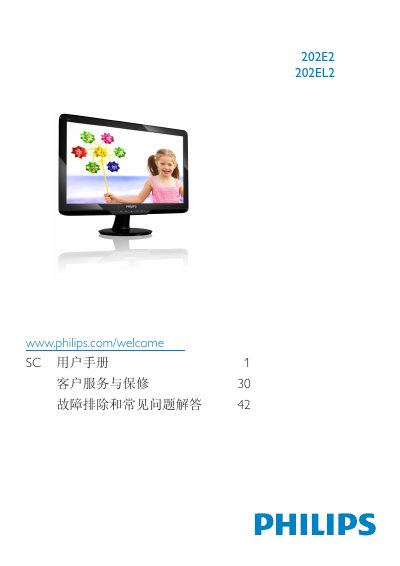
Philips 202E2/202EL2 Monitor User Manual
User Manual 51 pages · 1.6 MB · EN
This user manual covers safety precautions, installation steps, and operating instructions for the Philips 202E2/202EL2 LCD monitor. It also includes information on warranty conditions, disposal of the product and packaging, and troubleshooting tips.
The guide details the on‑screen display (OSD) menu settings, recommended operating environment (0‑40 °C, 20‑80 % RH), and native resolution (1600 × 900 @ 60 Hz) to achieve optimal image quality.
Philips 202E2 specifications
| Native resolution | 1600 × 900 @ 60 Hz |
|---|---|
| Operating temperature | 0‑40 °C (32‑104 °F) |
| Operating humidity | 20‑80 % RH |
All Philips 202E2 documents by type
User Manual 2
Day-to-day operation, settings and troubleshooting. Start here if the product is already set up.
Questions answered in these manuals
Why is the text on the monitor not clear and characters appear jagged?
The LCD monitor is best used at its native resolution of 1600 × 900 @ 60 Hz.
How can I prevent screen burn‑in or image retention?
Enable the moving screen‑saver or periodic refresh when the monitor is unattended.