
202EL2 LCD monitor user manual, introducing the product's functions, features, usage methods, maintenance and precautions
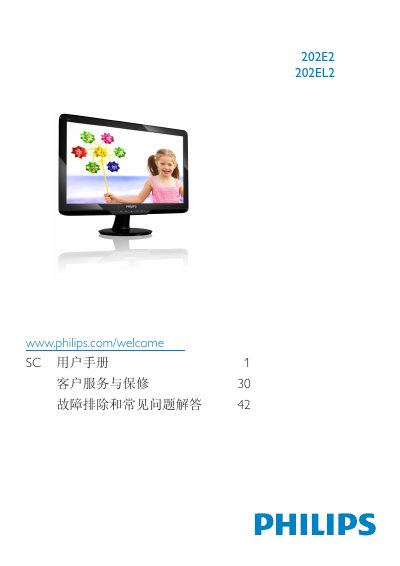
This user manual covers safety precautions, installation steps, and operating instructions for the Philips 202E2/202EL2 LCD monitor. It also includes information on warranty conditions, disposal of the product and packaging, and troubleshooting tips.
The guide details the on‑screen display (OSD) menu settings, recommended operating environment (0‑40 °C, 20‑80 % RH), and native resolution (1600 × 900 @ 60 Hz) to achieve optimal image quality.
| Native resolution | 1600 × 900 @ 60 Hz |
|---|---|
| Operating temperature | 0‑40 °C (32‑104 °F) |
| Operating humidity | 20‑80 % RH |
The LCD monitor is best used at its native resolution of 1600 × 900 @ 60 Hz.
Enable the moving screen‑saver or periodic refresh when the monitor is unattended.
Use a slightly damp cloth with the monitor unplugged; do not use organic solvents such as alcohol or ammonia.