
This document is an electronic user manual for Philips LCD monitors, which includes safety precautions, troubleshooting, and maintenance instructions.
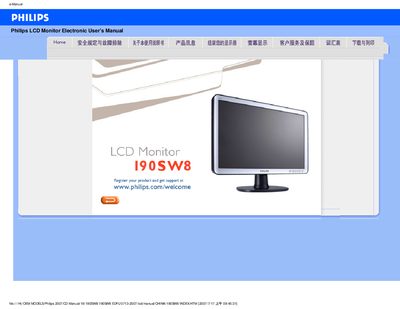
This electronic user manual covers safety measures, installation, operation and maintenance for the Philips 190SW8 19‑inch LCD monitor. It includes detailed FAQs, screen‑adjustment procedures and compatibility information for PC and Apple computers.
The guide also explains LCD technology, ergonomics, CE compliance and provides the full technical specification sheet, helping users achieve the recommended video mode of 1440×900 @ 60 Hz for optimal performance. This manual is written in Chinese.
| Screen size | 19" (visible area) |
|---|---|
| Panel type | TFT LCD |
| Resolution | 1440 × 900 pixels |
| Pixel pitch | 0.285 mm × 0.285 mm |
| Refresh rate | 56 Hz – 75 Hz |
| Horizontal frequency | 30 kHz – 83 kHz |
| Video dot rate | 250 MHz |
| Effective display area | 410.4 mm × 256.5 mm |
Set the video mode to 1440×900 @ 60 Hz, then reconnect the monitor and restart the computer.
For LCDs the refresh rate is fixed; the monitor operates at 60 Hz, which provides a stable, flicker‑free image.
Use a soft, lint‑free cloth for routine cleaning; for thorough cleaning use isopropyl alcohol, avoiding solvents such as acetone or ethanol.