
Key facts
- Brand
- Philips
- Model
- 190CW8
- Documents
- 2
- Languages
- ZH · EN
- Last added
- 2012-03-16
Start here
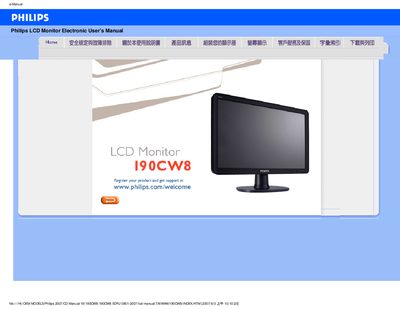
Philips 190CW8 LCD Monitor User Manual
This manual provides safety guidelines, installation steps, and operating instructions for the Philips 190CW8 LCD monitor. It includes detailed troubleshooting tips, FAQ sections, and guidance on adjusting screen settings such as resolution, color temperature, and refresh rate.
The document also covers cleaning procedures, VESA mounting options, USB functionality, and how to download and install the monitor's driver package. All instructions are presented in both English and Chinese for international users.
Philips 190CW8 specifications
| Native resolution | 1440×900 @60 Hz |
|---|---|
| Energy Star compliance | Yes |
| Digital video input | DVI‑D with HDCP support |
| VESA mounting | Standard VESA pattern |
| Power input | 100 ~ 240 VAC, 50/60 Hz |
| Tilt adjustment | -5° to +20° |
| Relative humidity range | 20 %–80 % |
| MTBF (system) | 50 hours (CCFL 40 k h) |
All Philips 190CW8 documents by type
Day-to-day operation, settings and troubleshooting. Start here if the product is already set up.
Questions answered in these manuals
What should I do if the monitor shows “Cannot display this video mode” during installation?
Set the video mode to the recommended 1440×900 @60 Hz, adjust the display settings in Windows, and restart the computer.
Is refresh‑rate important for an LCD monitor?
LCD monitors are stable at 60 Hz and do not require higher refresh rates for smooth display.
What resolution should I set for the Philips 190CW8 monitor?
Set the display resolution to 1440 × 900 at 60 Hz for optimal performance.
How do I reset the monitor settings if the screen becomes unreadable?
Press the OK button, then select Reset to restore all factory defaults.