
Key facts
- Brand
- Philips
- Model
- 190E2
- Documents
- 2
- Languages
- ZH
- Last added
- 2000-01-01
Start here
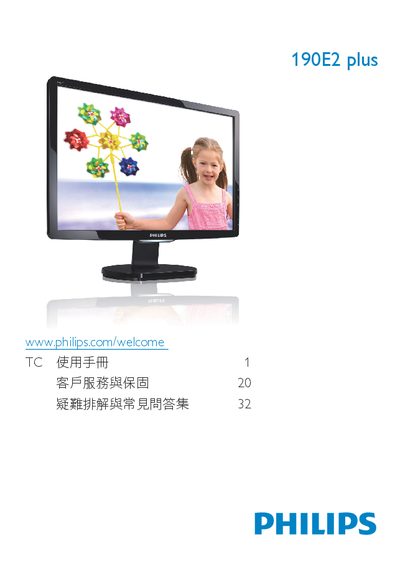
Philips 32190E2 plus User Manual
This manual covers important safety measures, proper disposal, and warranty information for the Philips 32190E2 plus LCD monitor. It explains how to install the monitor, connect power and video cables, and adjust the on‑screen display (OSD) settings.
The guide also details the monitor's technical specifications, such as native resolution 1440 × 900 @ 60 Hz, brightness and contrast ranges, color temperature options, and recommended operating temperature and humidity. A troubleshooting section answers common questions about image quality, image retention, and cleaning procedures. This manual is written in Chinese.
Philips 190E2 specifications
| Native Resolution | 1440 × 900 @ 60 Hz |
|---|---|
| Operating Temperature | 0‑40 °C (32‑95 °F) |
| Operating Humidity | 20‑80 % RH |
Source: Philips 32190E2 plus User Manual
All Philips 190E2 documents by type
Day-to-day operation, settings and troubleshooting. Start here if the product is already set up.
Questions answered in these manuals
How do I adjust the monitor's resolution?
Set the display resolution to 1440 × 900 @ 60 Hz in the Windows display settings, as recommended for the 19‑inch Philips monitor.
What is the recommended refresh rate?
The monitor is designed for a 60 Hz refresh rate; you may increase it up to 75 Hz if you experience interference.