
This document introduces the safety measures and maintenance of Philips 190CW8 display, including operation, maintenance, cleaning, transportation, etc.
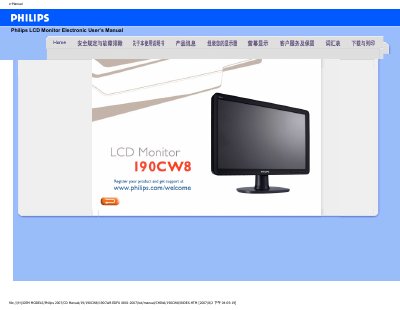
This electronic user manual covers safety measures, common questions, troubleshooting procedures, and regulatory information for the Philips 190CW8 LCD monitor. It explains how to install the monitor, adjust screen settings, and connect peripherals such as USB and DVI‑D.
The guide also describes the monitor’s technical features, including SmartImage technology, energy‑saving functions, VESA mounting options, and detailed physical specifications. FAQs address video mode setup, refresh‑rate concepts, cleaning methods, and compatibility with other devices. This manual is written in Chinese.
| Native resolution | 1440×900 @60 Hz |
|---|---|
| Energy Star compliance | Yes |
| Digital video input | DVI‑D with HDCP support |
| VESA mounting | Standard VESA pattern |
| Power input | 100 ~ 240 VAC, 50/60 Hz |
| Tilt adjustment | -5° to +20° |
| Relative humidity range | 20 %–80 % |
| MTBF (system) | 50 hours (CCFL 40 k h) |
Set the video mode to the recommended 1440×900 @60 Hz, adjust the display settings in Windows, and restart the computer.
LCD monitors are stable at 60 Hz and do not require higher refresh rates for smooth display.
No, interlaced signals cause image distortion on the screen.
Use a soft, lint‑free cloth for routine cleaning; for a deep clean, use isopropyl alcohol and avoid other solvents.