
This is a user manual for a monitor, including safety measures, common questions, and troubleshooting.
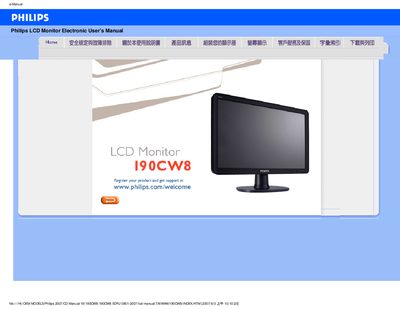
This manual provides safety guidelines, installation steps, and operating instructions for the Philips 190CW8 LCD monitor. It includes detailed troubleshooting tips, FAQ sections, and guidance on adjusting screen settings such as resolution, color temperature, and refresh rate.
The document also covers cleaning procedures, VESA mounting options, USB functionality, and how to download and install the monitor's driver package. All instructions are presented in both English and Chinese for international users.
| Operating Temperature | 0‑40 °C (32‑95 °F) |
|---|---|
| Operating Humidity | 20‑80 % RH |
| Recommended Resolution | 1440 × 900 @ 60 Hz |
| Color Temperature Options | 5000 K‑11500 K (six presets) |
| VESA Mounting | Standard VESA mounting holes |
Set the display resolution to 1440 × 900 at 60 Hz for optimal performance.
Press the OK button, then select Reset to restore all factory defaults.
Press the AUTO key to let the monitor automatically adjust brightness, contrast, and timing for the best picture.
Yes, the monitor supports standard VESA wall‑mount brackets.