
This is an electronic user manual for a Philips monitor, which mainly introduces the precautions for using and maintaining the monitor.
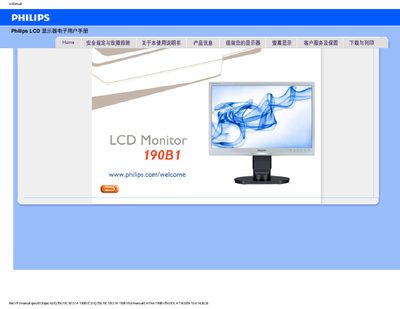
This manual covers safety precautions, proper handling, installation steps, and basic operation of the Philips 190B1 LCD monitor. It includes guidance on power connections, cleaning, temperature and humidity limits, and how to adjust display settings such as resolution and color temperature.
The document also provides extensive troubleshooting information, a FAQ section addressing common issues like video mode errors, refresh‑rate recommendations, and cleaning methods, as well as instructions for driver installation and downloading printable versions of the manual.
| Recommended resolution | 1440x900 @60 Hz |
|---|---|
| Recommended refresh rate | 60 Hz |
| Operating temperature range | 0‑40 °C |
| Operating humidity range | 20‑80 % RH |
| VESA mounting | Standard VESA mounting holes |
Set the PC resolution to 1440 × 900 @ 60 Hz, adjust the refresh rate to 60 Hz, then reconnect and power on the monitor.
The recommended refresh rate is 60 Hz (up to 75 Hz for interference testing).
Use a clean soft cloth; for detailed cleaning use isopropyl alcohol, and avoid solvents such as ethanol, acetone, or gasoline.
Yes, it can be mounted using the standard VESA mounting holes on the rear of the monitor.